


Universal TV Remote App for iPhone and Android

One app instead of a drawer of remotes. Kliky controls the smart TVs and streaming sticks on your Wi‑Fi, whatever the brand, with no setup codes and nothing to point.

Download on the App StoreGet it on Google Play
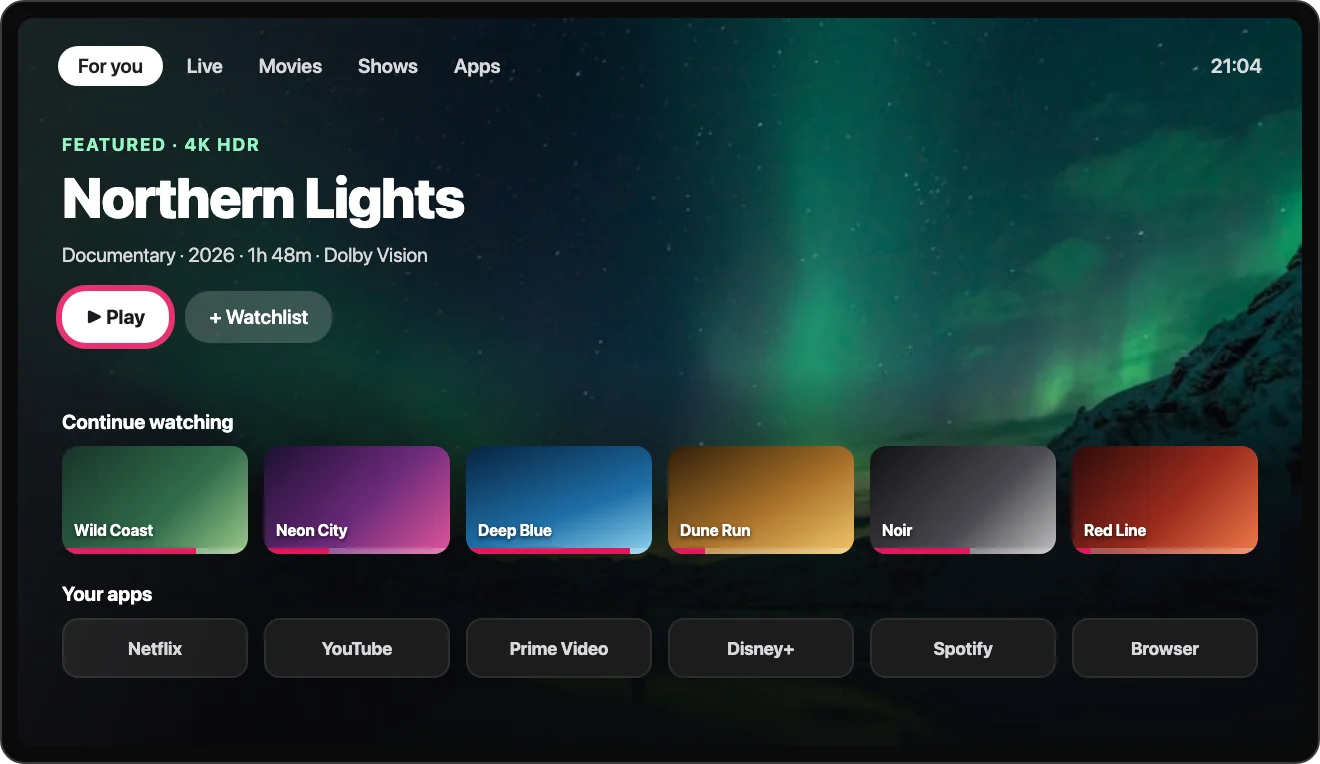
Smart TV home screen controlled from the Kliky app
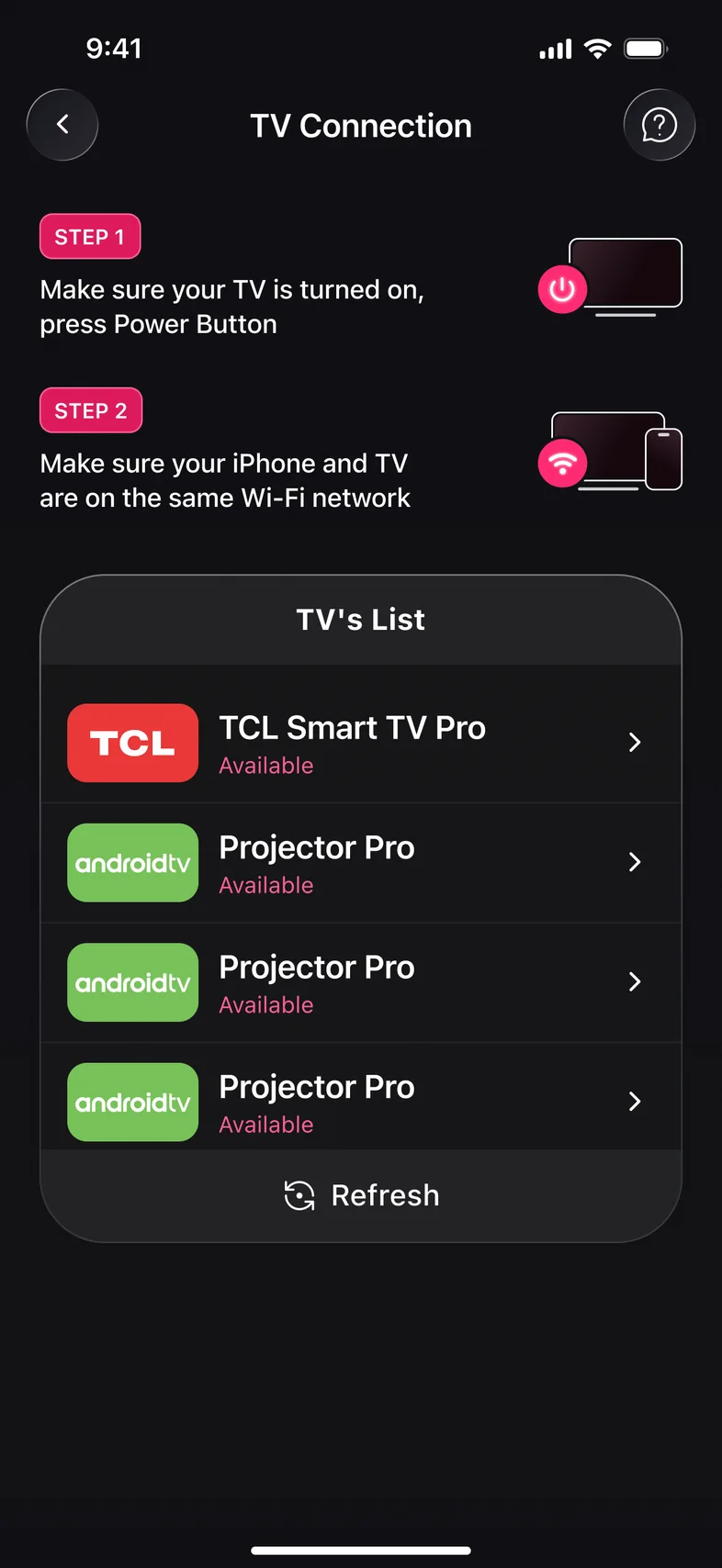
Kliky app: list of TVs found on your Wi-Fi

How a universal remote app connects

  1. Step 1

    Same Wi‑Fi

    Connect your phone to the Wi‑Fi network your TV or streaming stick is on.

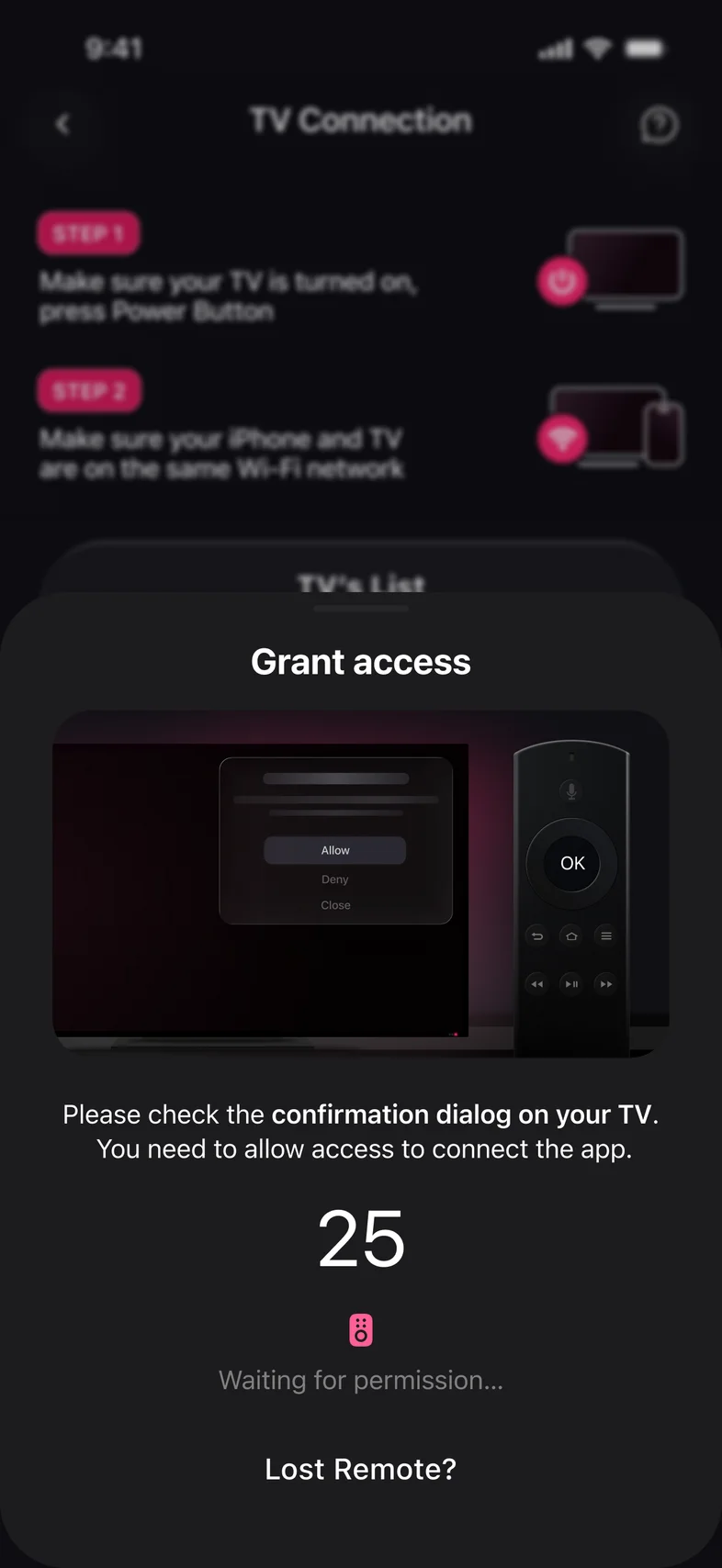
    Kliky app: Grant access prompt with a countdown
  2. Step 2

    Pick a device

    Kliky lists the TVs and streamers it finds. Choose one.

    Kliky app: list of TVs found on your Wi-Fi
  3. Step 3

    Confirm on the TV

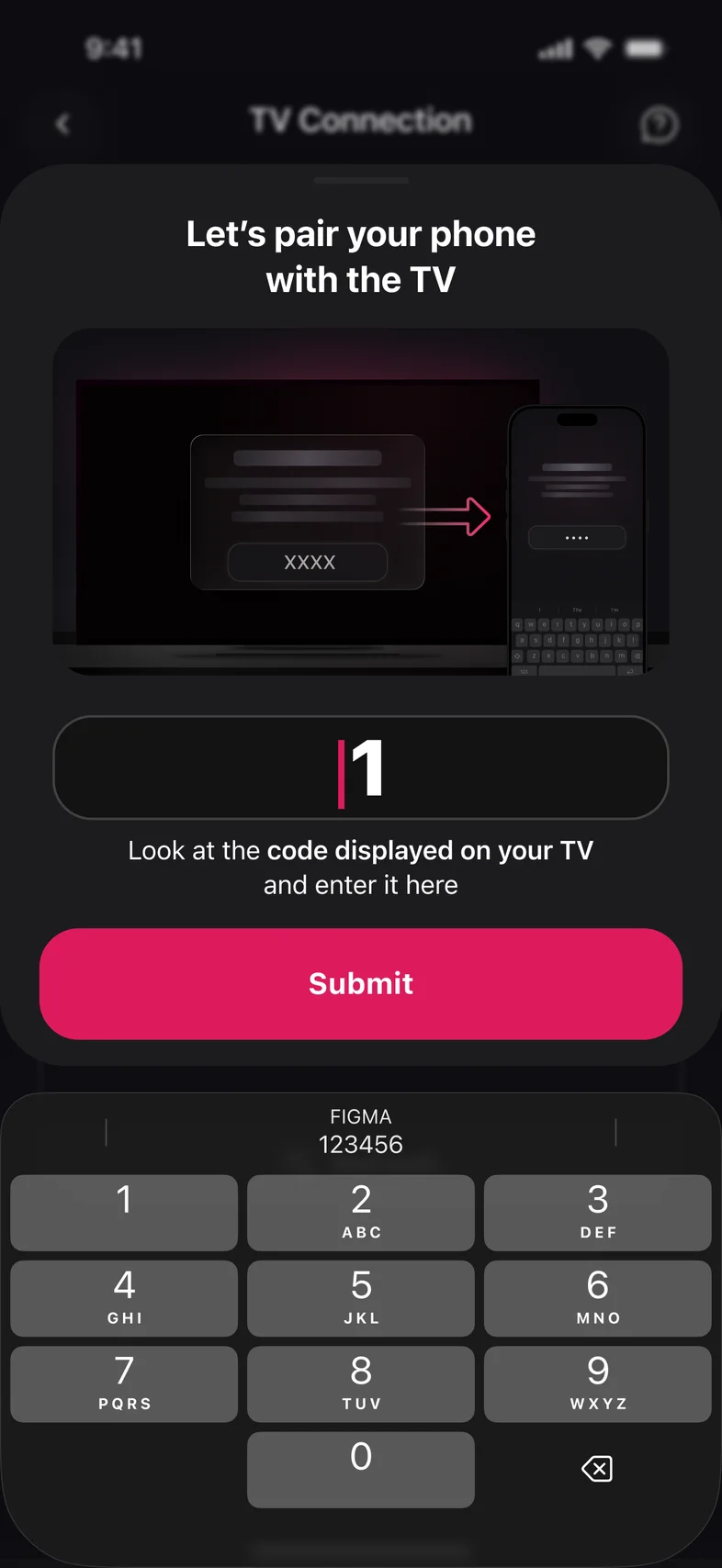
    Accept the prompt or type the code the TV shows. Roku needs neither.

    Kliky app: enter the pairing code shown on your TV

What a universal remote app is, and is not

A plastic universal remote sends infrared, the same invisible light as the remote that came with the TV. You teach it your TV by entering a code. A universal remote app works differently: smart TVs and streaming devices accept commands over the home network, so the app finds them on Wi‑Fi and needs no code and no line of sight.

That difference cuts both ways. An app reaches a Roku Streaming Stick or Fire TV Stick hidden behind the TV, which no infrared remote can. It cannot reach an old TV, a cable box or a soundbar that has no network connection.

What the app adds to a remote

  • A keyboard. Type searches and passwords on your phone instead of with arrow keys.
  • Voice search through the phone’s microphone, also on TVs whose own remote has no voice button.
  • A touchpad for TVs with an on-screen pointer.
  • Every device in one list. The living-room Samsung, the bedroom Roku and the Fire TV Stick in the kitchen, each with the layout its own remote has.

Kliky also has Screen Mirroring, Photo and Video Cast and AI Advisor.

Universal remote app or universal remote?

Universal remote appInfrared universal remote
SetupPick the TV, confirm on screenEnter a code per device
Smart TVs on Wi‑FiYesYes
Streaming sticksYesNo
Old TVs, cable boxes, soundbarsNoYes
Keyboard and voiceYesNo
Works without Wi‑FiNoYes

Many homes use both: the app for everyday control and typing, and a plastic remote for guests and for the devices that only understand infrared.

Universal remote app FAQ

Is there a universal remote app that works with any TV?

A remote app works with smart TVs and streaming devices that are connected to your home network. Kliky covers the common platforms: Samsung, LG, Roku, Fire TV, Apple TV, Android TV and Google TV, and the brands built on them. A TV with no network connection needs an infrared remote.

Do I need universal remote codes?

No. Codes are for infrared remotes. An app finds the TV on your Wi‑Fi and pairs with a prompt or a short code shown on the TV.

Does a universal remote app work without Wi‑Fi?

No. The phone and the TV have to be on the same Wi‑Fi network. Most phones have no infrared emitter, so Wi‑Fi is the only way they can reach a TV.

Can one app control several TVs?

Yes. Kliky keeps every TV and streaming stick it has paired with in a list, and you switch between them in a tap.

Does it work on iPhone and Android?

Yes. Kliky is available for both, and the remote works the same way on each.

Can it replace a universal remote for a soundbar or cable box?

Not for devices that only accept infrared. For those, a plastic universal remote, or your TV remote’s own universal setting, is the right tool.

One remote for every TV at home

Scan to download Kliky for iPhone and Android.

Download on the App StoreGet it on Google Play
Scan to download