 Kliky
Kliky


Casting vs mirroring
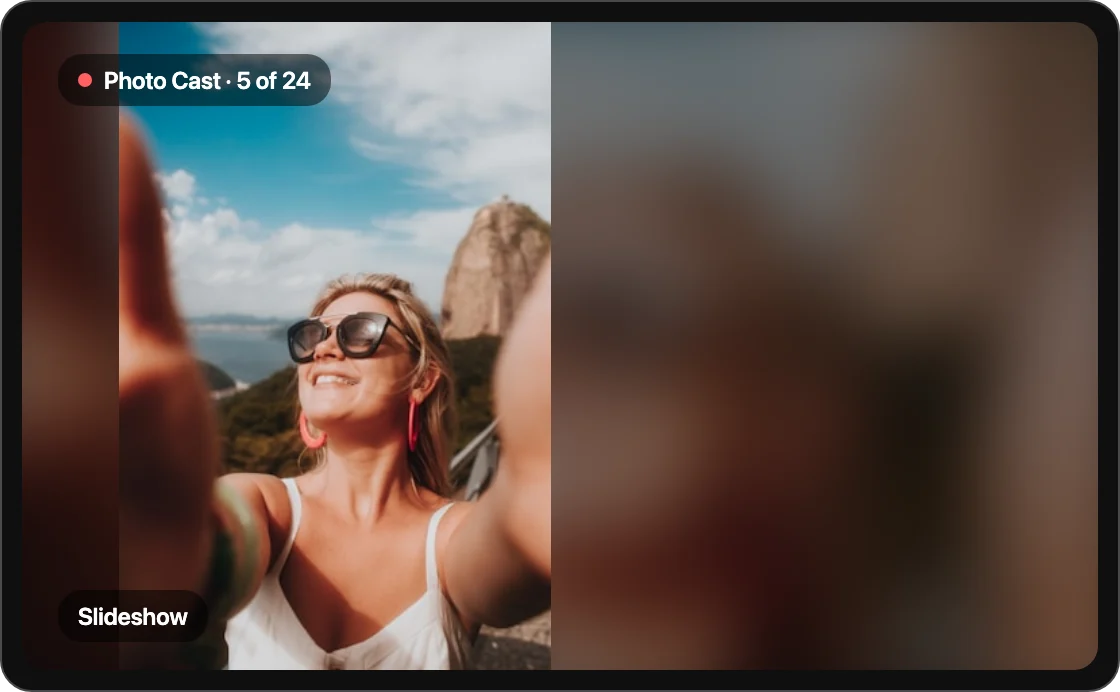
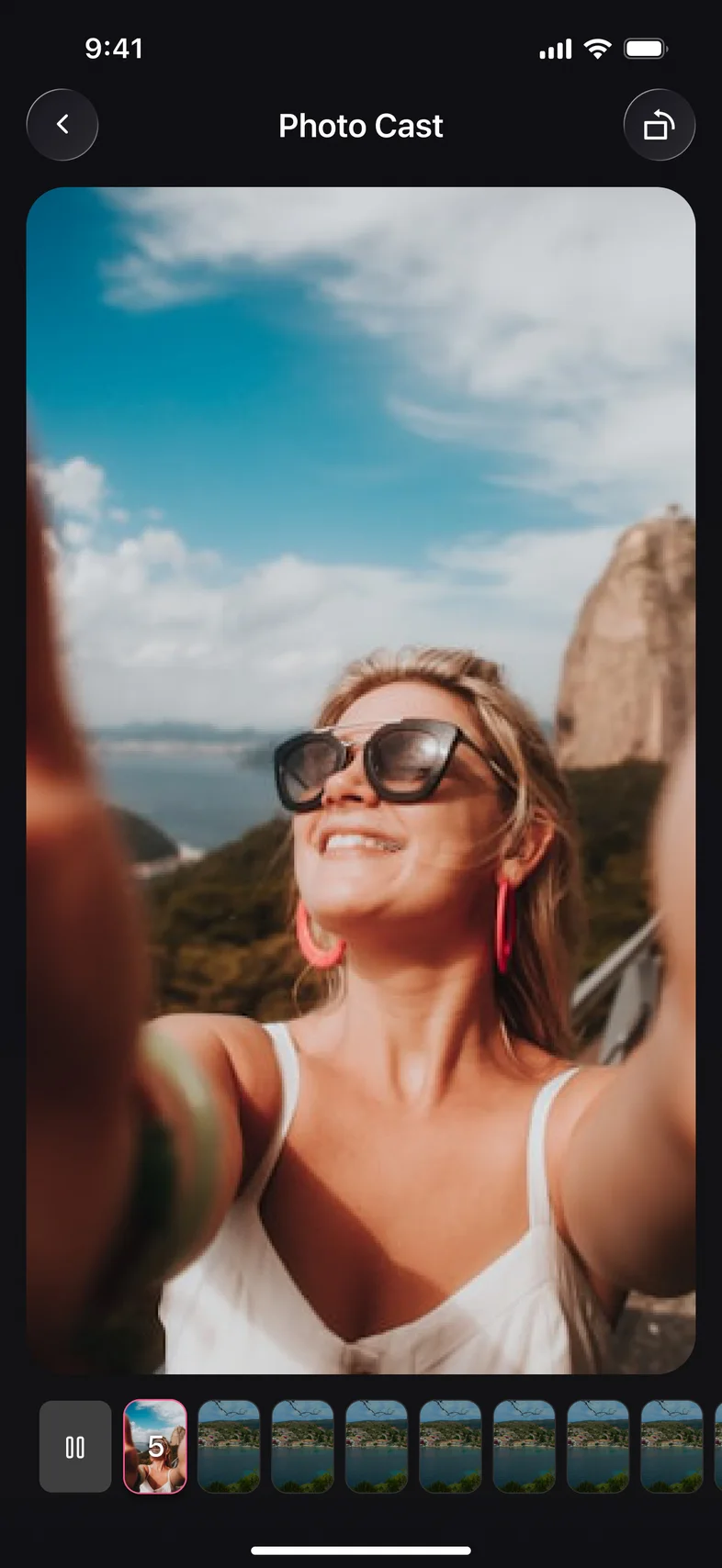
Casting sends the photos and videos you pick to the TV and shows them full‑screen, while your phone stays free. Screen mirroring shows your whole phone screen instead. Use casting for albums, mirroring for anything else.
Choosing photos and videos
The first time you open Cast, Kliky asks for access to your gallery. You can allow your whole library or only the photos and videos you select. If you tapped Don’t Allow, turn access back on in your phone’s Settings › Kliky › Photos.
If your TV doesn’t support casting
Some TVs don’t accept casting. Kliky tells you when that’s the case; use Screen Mirroring to show them instead.
Weak connection
If photos or videos load slowly, move closer to your router or switch your phone to the 5 GHz Wi‑Fi band. Kliky warns you when the connection is weak.