 Kliky
KlikyKliky: TV Remote App for iPhone and Android
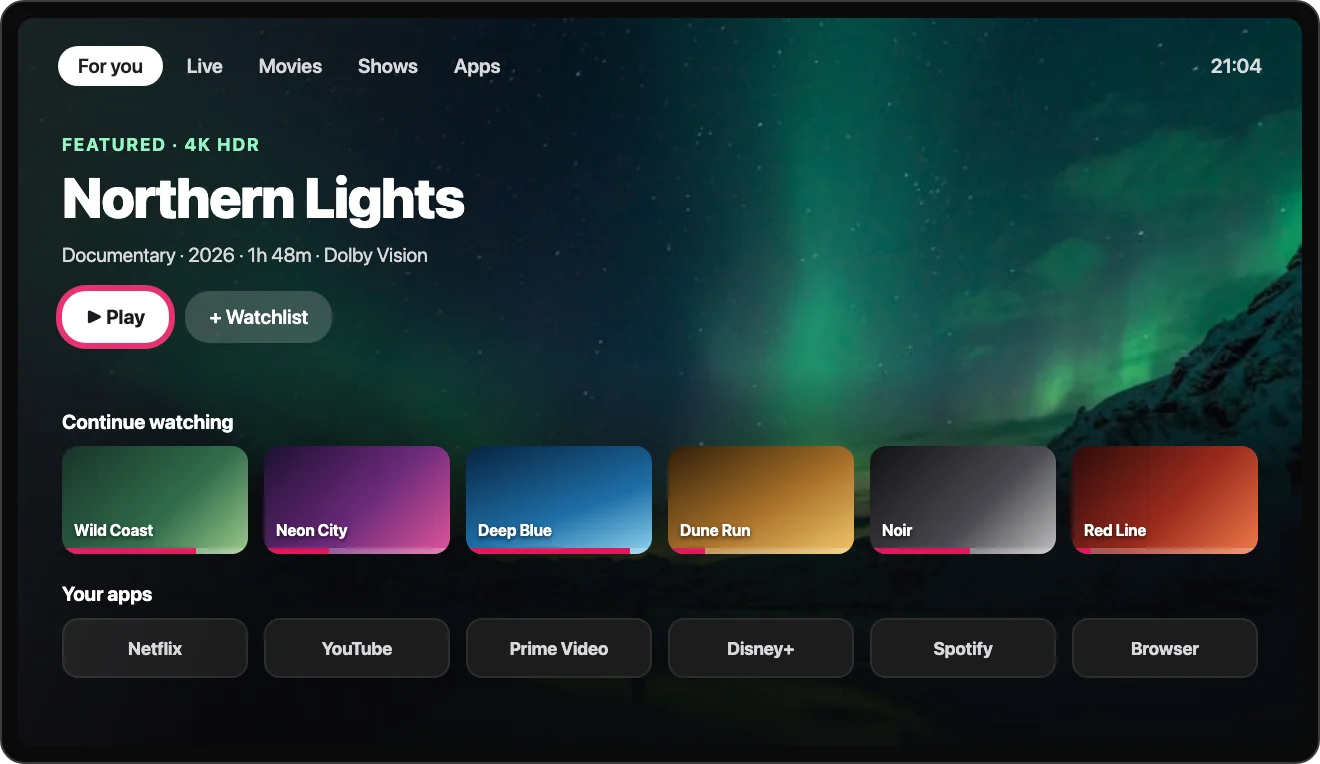
Kliky is a free TV remote app that controls smart TVs and streaming devices over Wi‑Fi. It works with Samsung, LG, Sony, Roku, Fire TV, Apple TV, Google TV and Vizio. There is no infrared and there are no setup codes: the phone and the TV only need to be on the same Wi‑Fi network.


- Free to download
- Works over Wi‑Fi
- No account needed
What the Kliky remote app does
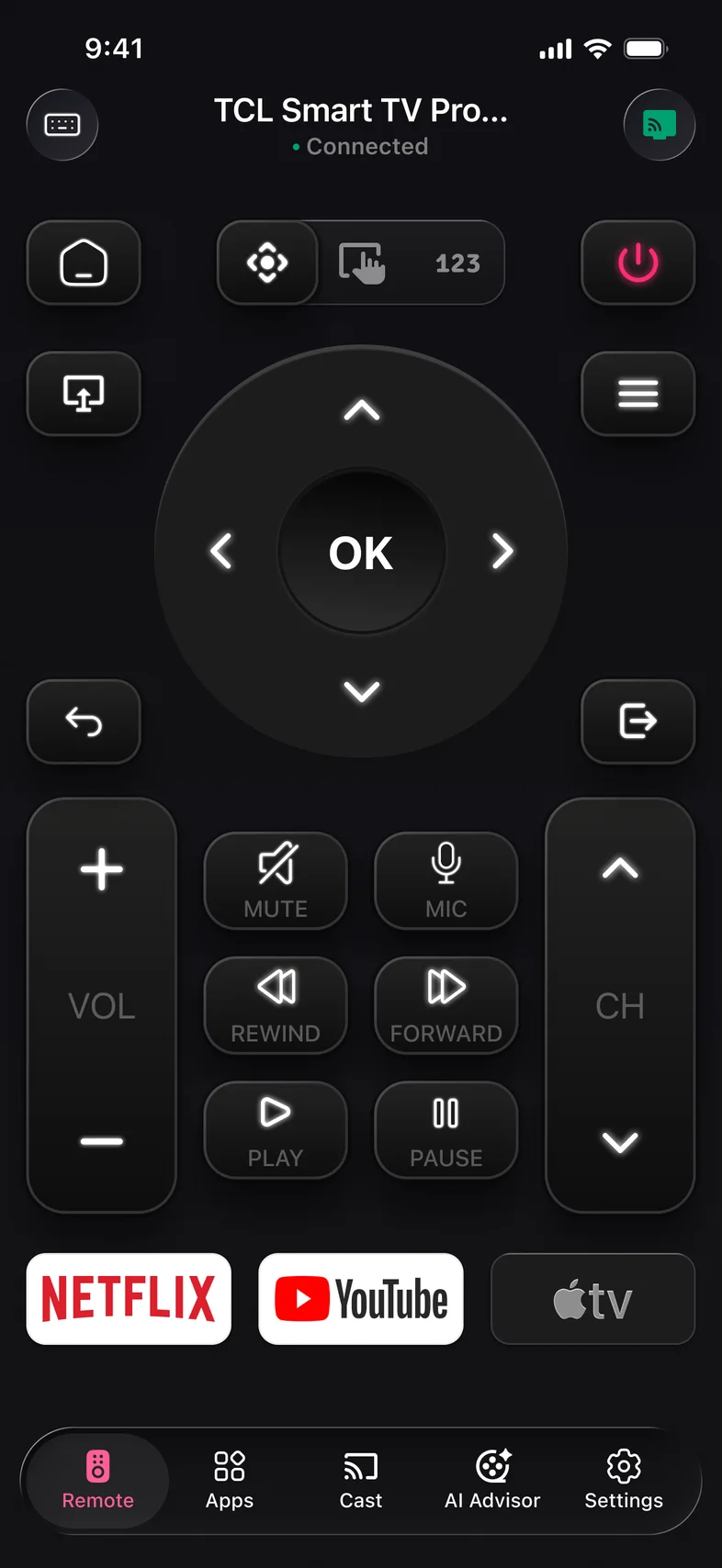
Your remote, on your phone
D‑pad, volume, channels, playback and a number pad, in a layout made for your TV brand.
Learn more →Mirror your screen
Show your iPhone or Android screen on the TV over Wi‑Fi. No cables, no Chromecast, no Apple TV.
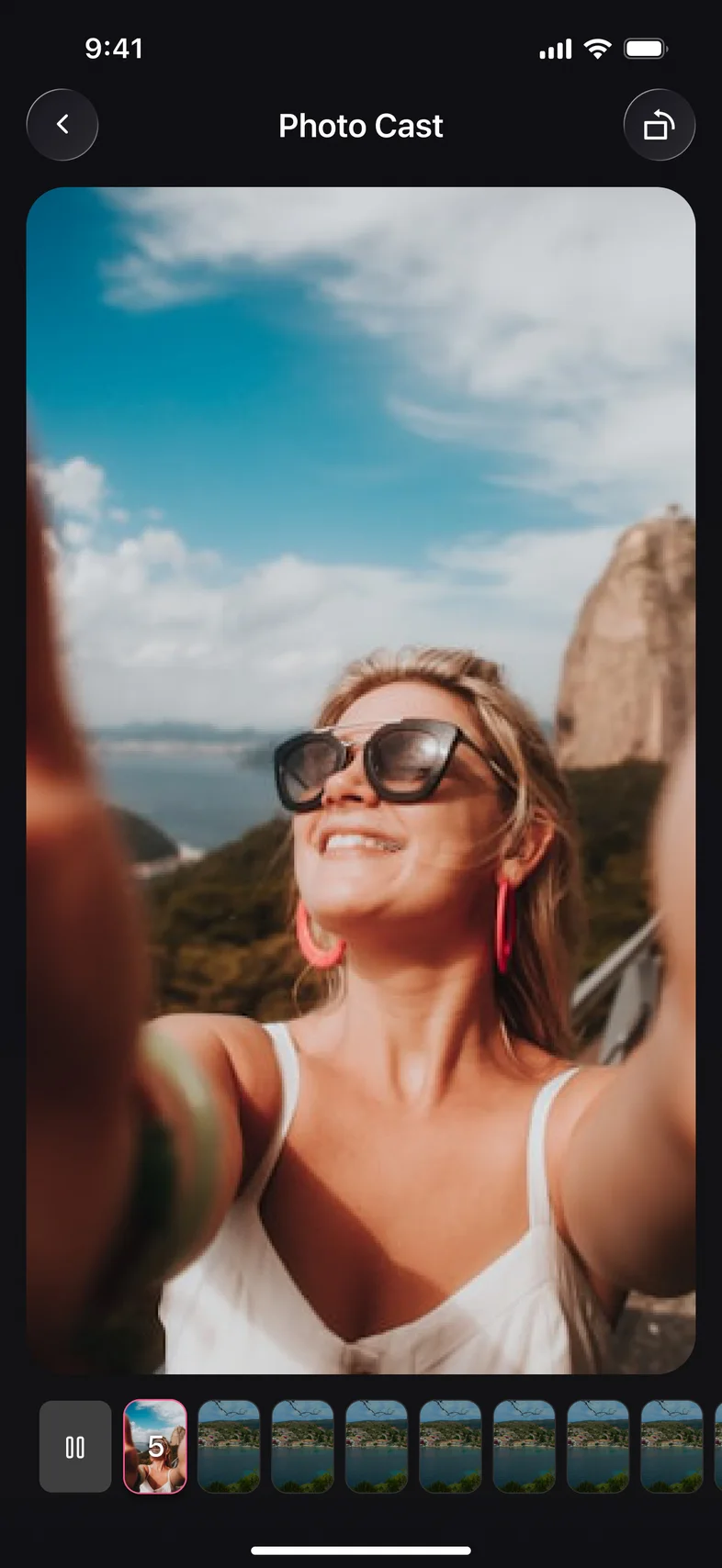
Learn more →Cast photos and videos
Pick from your gallery and play it full‑screen on the TV. Pause, skip or jump to any photo.
Learn more →AI picks what to watch
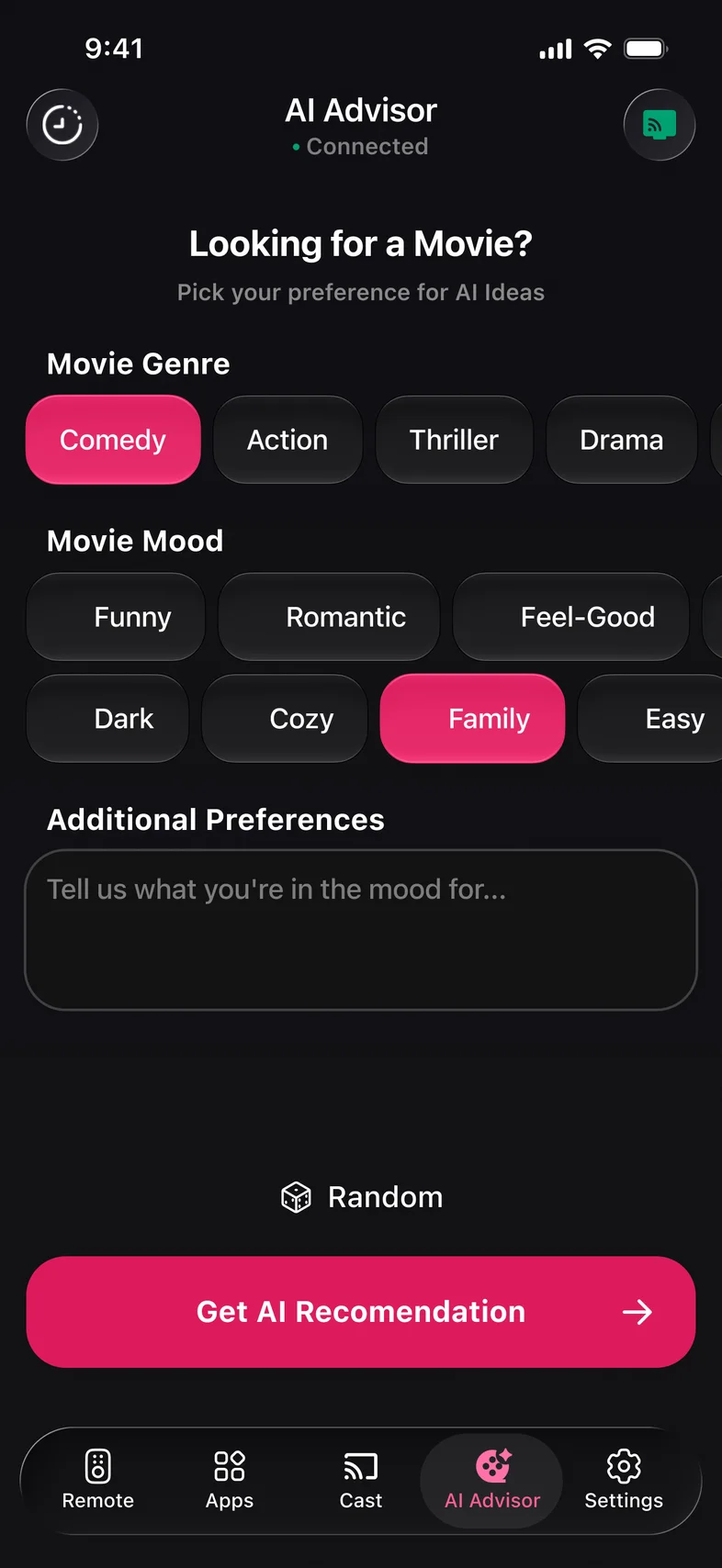
Tell AI Advisor your mood and get movies and shows with IMDb ratings and running time.
Learn more →Type, swipe or speak
Use your phone keyboard for searches, the touchpad to glide through menus, or the mic to say it.
Learn more →Every TV app, one tap away
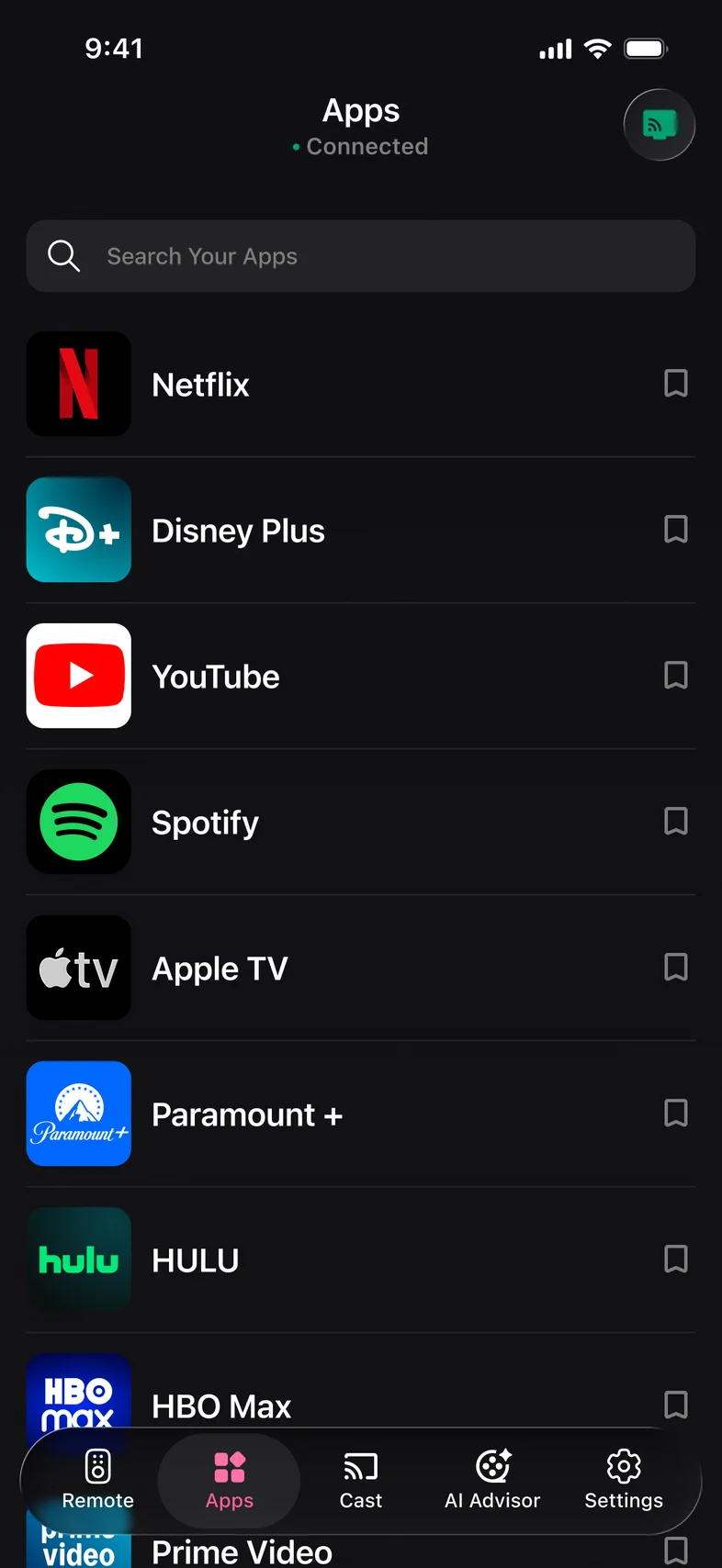
See the apps installed on your TV, pin favorites and open them straight from your phone.
Learn more →
Set up in three steps
- Step 1
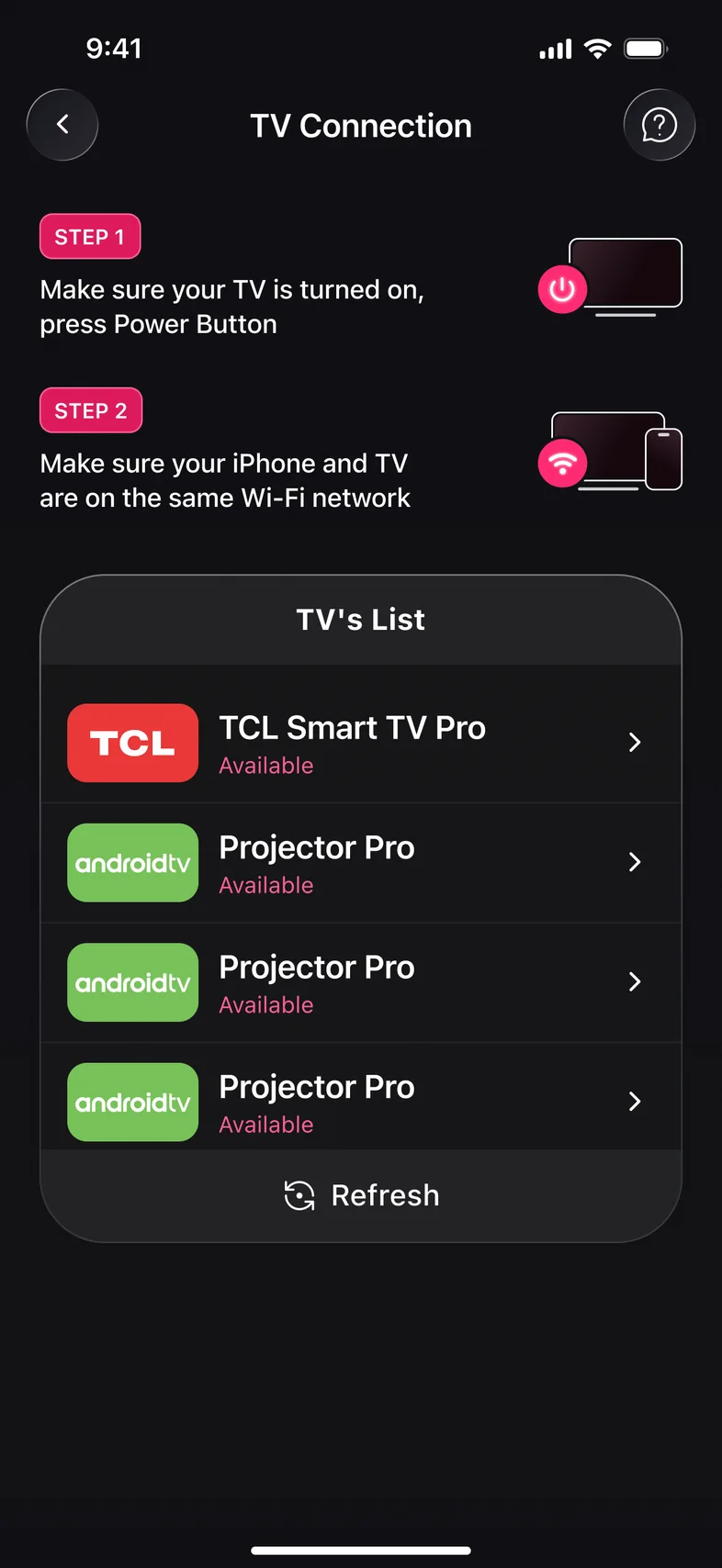
Pick your TV
Open Kliky on the same Wi‑Fi as your TV. It finds the TVs on your network and lists them.
- Step 2
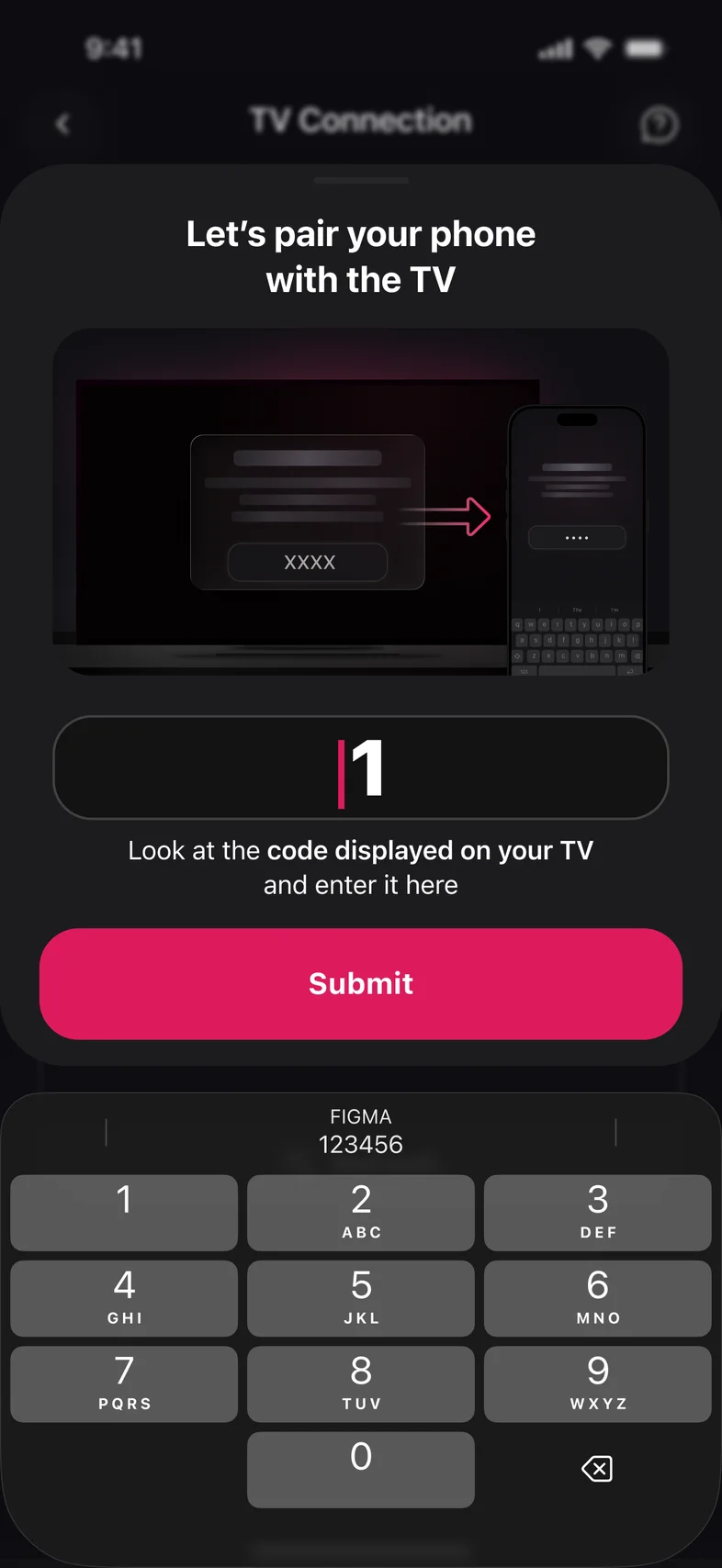
Enter the code
Type the code from the TV screen, or press Allow on the TV. You only do this once.
- Step 3
Use your phone as the remote
D‑pad, volume, channels and apps, in a layout made for your TV brand.
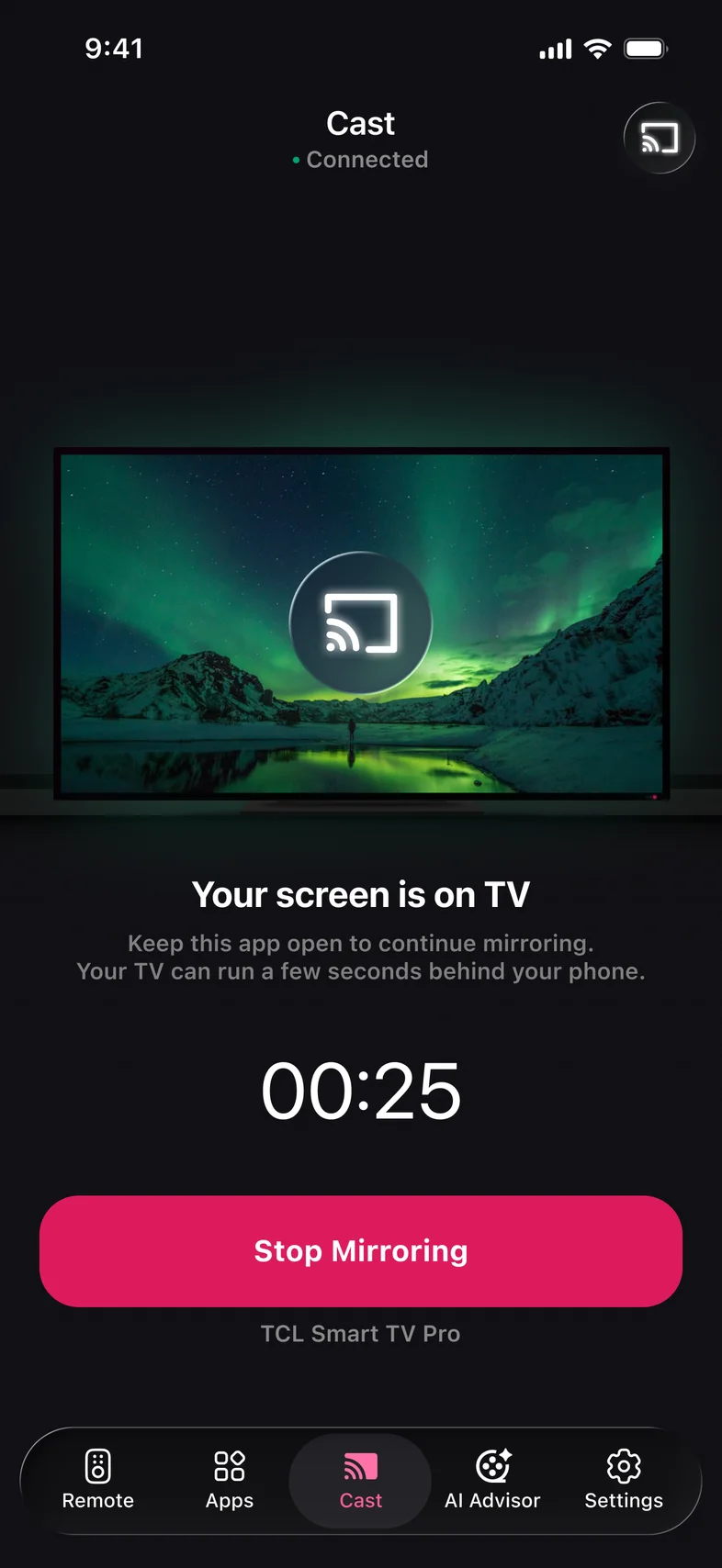
Mirror your phone to the TV without cables
Share photos, presentations and games on the big screen in up to 1080p, over your home Wi‑Fi.
- Works with AirPlay, Miracast and DLNA TVs
- Sound plays on the TV speakers
- Portrait and landscape auto‑rotate
Type Wi‑Fi passwords on your phone keyboard
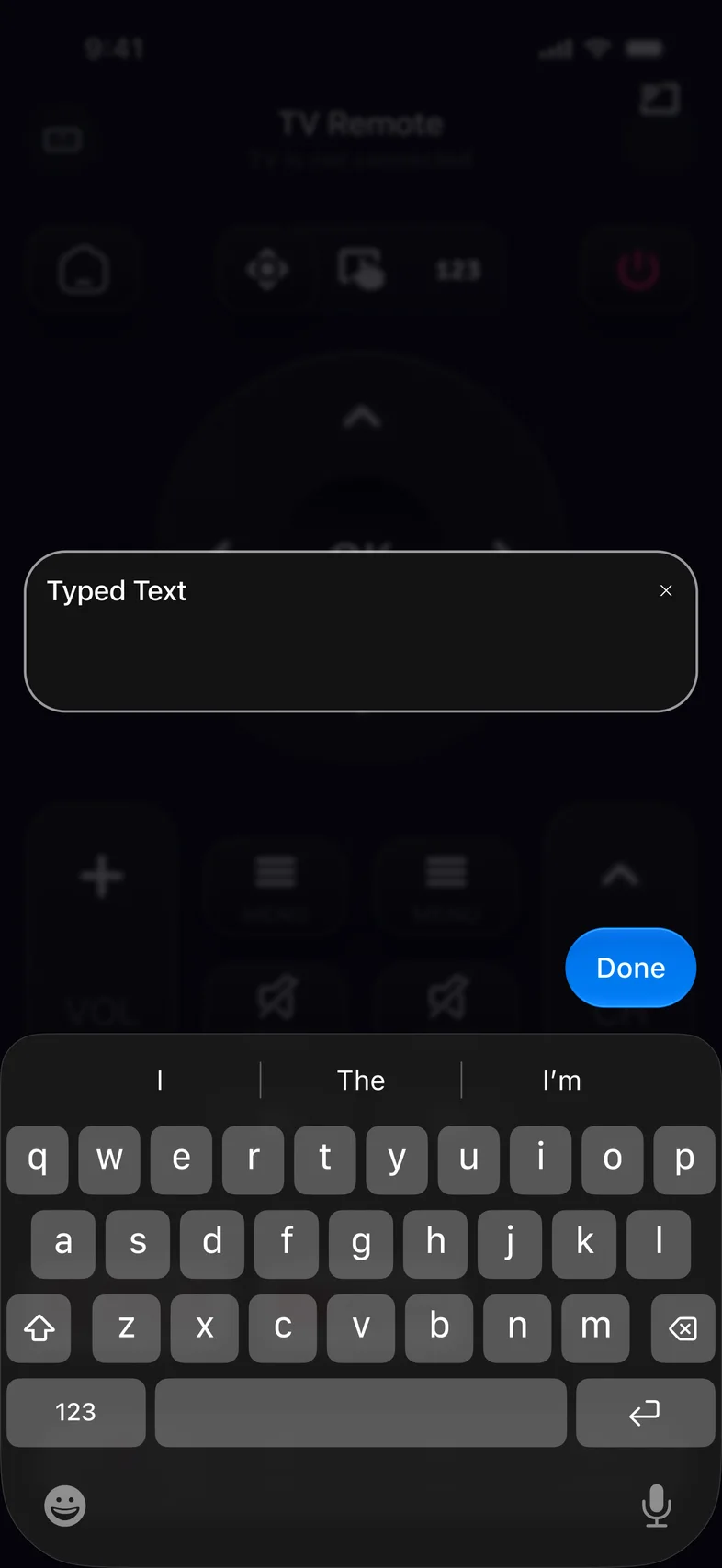
Forget pecking letters with arrow keys. Use your phone keyboard, paste text, and swipe the touchpad like a laptop trackpad.
Explore Remote Control →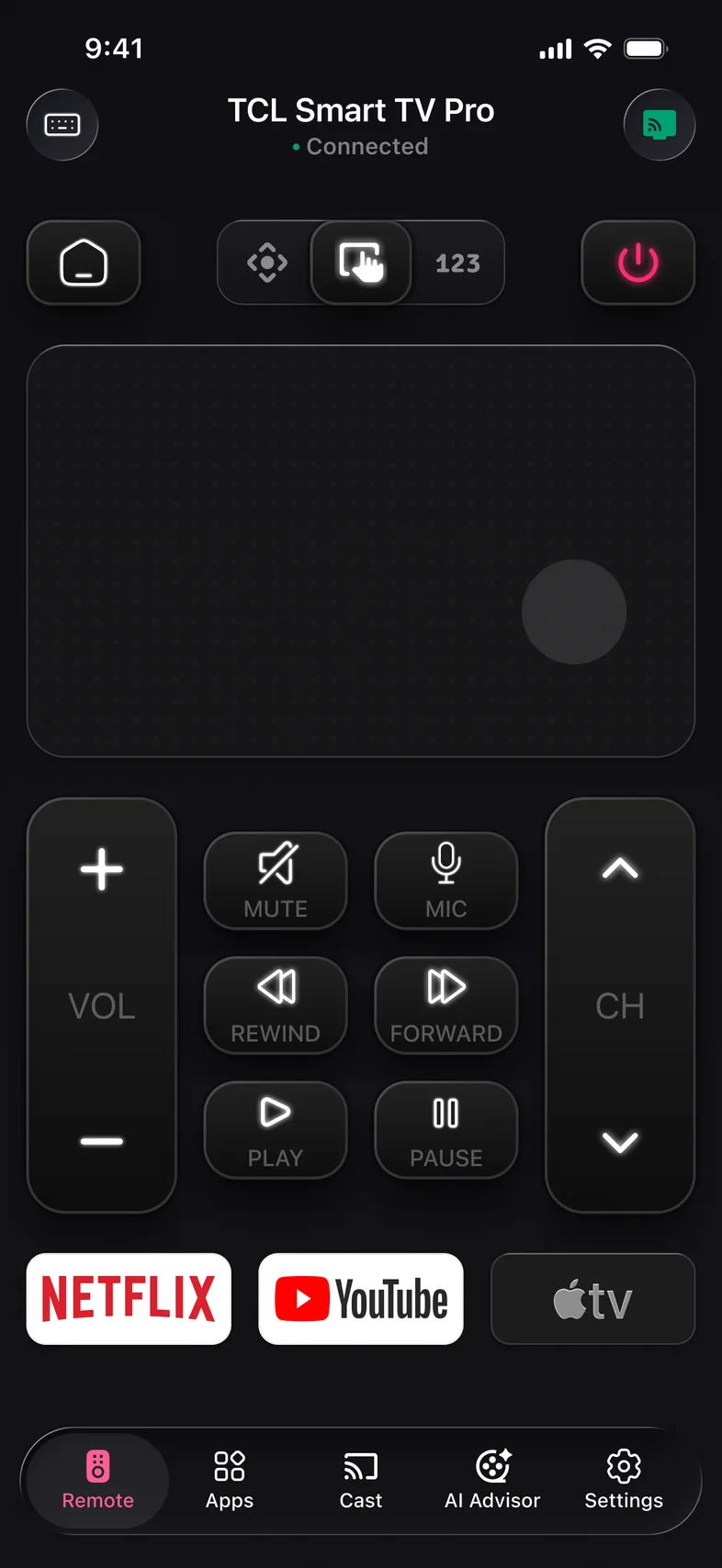
Kliky is free to download
Install it, connect to your TV over Wi‑Fi and use the remote. No account, no card and no codes to enter.
Can I control my TV from my phone without the original remote?
Yes, if the TV is a smart TV that is already connected to your Wi‑Fi. Install Kliky, put your phone on the same network, pick the TV and confirm on its screen. A TV that is not on Wi‑Fi has to be brought online first, with its button, a USB keyboard or an Ethernet cable.
What is a TV remote app?
A TV remote app is a phone app that controls a smart TV or streaming device over the home Wi‑Fi network instead of infrared. It shows the same buttons as the TV’s own remote and adds a keyboard and voice search. The phone and the TV must be on the same network.
Does a TV remote app work without Wi‑Fi?
No. A remote app reaches the TV through the local network, so the phone and the TV must be on the same Wi‑Fi. Internet access is not required: if the router is on and only the internet is down, the app still works.
Does Kliky need an IR blaster?
No. Kliky controls the TV over your home Wi‑Fi, so it works on any iPhone or Android phone.
Which TVs work with Kliky?
Smart TVs and streaming devices that are connected to Wi‑Fi: Samsung, LG, Sony, Roku, Fire TV, Apple TV, Android TV, Google TV, Vizio, Hisense, TCL and Philips. A TV with no network connection, a cable box and most soundbars only accept infrared. Check yours in the TV Compatibility Checker.
Can I turn the TV on with the app?
On TVs that can wake over Wi‑Fi, yes, once that setting is enabled on the TV. Other TVs need to be on before Kliky can reach them.
Is Kliky free?
Yes. Kliky is free to download on the App Store and Google Play, and the remote is free to use. Some extra features are offered as an optional subscription inside the app.
Is my data private?
Kliky needs no account. The app collects device identifiers, usage and diagnostic data and attribution data; it does not need the content shown on your TV for that. The Privacy Policy lists everything we collect and your choices.
Guides and resources
All articles →- Samsung · 8 minHow to Control a Samsung TV Without a Remote (7 Easy Ways)Seven ways to turn on, navigate and change the volume on a Samsung smart TV, starting with the fastest.Read →
- ComparisonKliky vs TV Remote – Universal Control: What’s DifferentBoth are universal Wi‑Fi remotes with keyboard and voice. Kliky adds Screen Mirroring, Photo and Video Cast and AI Advisor; theirs stays with the remote.Read →
- Roku · 5 minRoku Remote Not Working? 8 Fixes That Actually HelpEight fixes in order, from batteries and line of sight to re-pairing, plus a phone remote to use meanwhile.Read →
Lost the remote? You still have your phone.
Get Kliky for iPhone and Android and connect it to your TV in three steps.